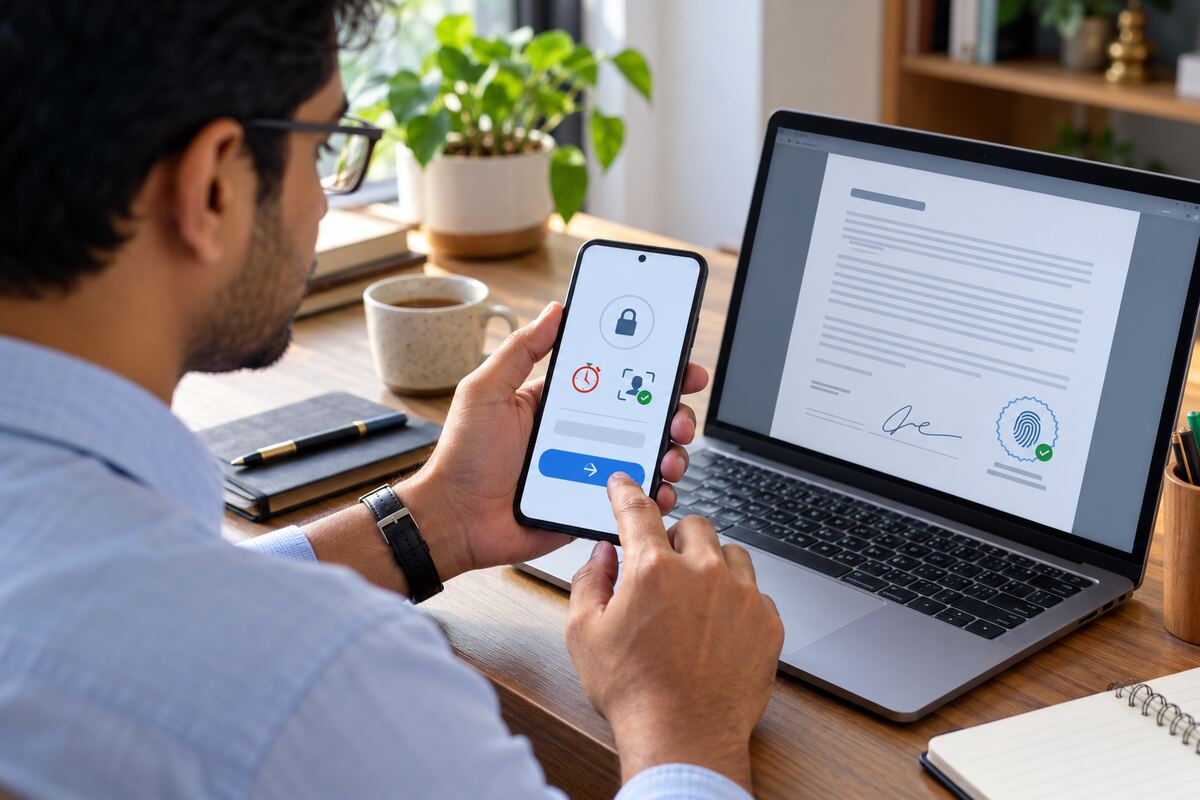
Sending a contract by email is easy. Controlling who can open it, how long access lasts and which signature belongs to which signing event needs more care. A secure one-time signing link gives a recipient a specific route into the document session. A unique signature ID then helps connect the completed signature with its supporting audit record.
These controls do different jobs. The link manages access to the signing session, while the signature ID helps teams track the resulting signature. Used together with identity checks and a clear audit trail, they can make document verification easier and reduce confusion later.
What is a secure one-time signing link?
A one-time signing link is created for a named recipient and a specific document request. Instead of sending an editable attachment, the sender directs the recipient to a controlled online session. The signer can review the document, complete assigned fields and sign within that session.
Think of it as a visitor pass for one appointment. The pass should connect to the intended visitor, location and time. It should not act like a permanent building key.
The link alone does not prove who used it. The workflow may need another check, such as an email code, mobile verification or an approved identity process, depending on the document and its risk.
How expiry and access rules reduce link misuse
An unrestricted link can remain usable long after the sender expects the document to be signed. It may also be forwarded casually or opened from an unexpected device. Expiry rules narrow that access window.
For example, a procurement team sends a supplier agreement to an authorised representative. The signing link expires after a set period. If the supplier does not act in time, the system requires a controlled resend instead of leaving the old link active indefinitely.
Access policies can also limit repeat attempts, trigger another identity check or block a session after suspicious failures. These steps reduce unintended reuse, but teams should not describe them as complete fraud prevention. Email account security, recipient behaviour and the selected verification method still affect the result.
What does a unique signature ID do?
A unique signature ID is a reference assigned to a signature or signing event. It helps legal, compliance and operations teams locate that event within the wider record.
The ID can connect the visible signature on the completed PDF with information such as the recipient, document version, signing time, verification result and event history. It works like a consignment number. The number does not explain the entire journey by itself, but it helps people find the right record without relying only on a handwritten-looking signature image.
The business should preserve the signature ID with the completed document and its audit evidence. If a question arises later, reviewers can use the reference to match the signature with the correct transaction.
Connect access, signing and evidence in one chain
A clear verification chain may follow these steps:
- The sender prepares the final document and assigns the intended signer.
- The system creates a recipient-specific signing link.
- The recipient opens the link within the permitted time.
- The workflow completes the required identity or access checks.
- The signer reviews the document, fills the required fields and signs.
- The system records the event and assigns a unique signature ID.
- The completed document and audit record move to secure storage.
Each stage should refer to the same transaction and document version. If the sender replaces the document, changes the recipient or revokes the request, the record should show what changed and when.
Questions for legal and IT teams
Before enabling one-time signing links, confirm:
- How long should a link remain active?
- Does a resend disable the previous link?
- Which identity check matches the document’s risk?
- How many failed attempts are allowed?
- What happens after the link expires?
- Can an authorised administrator change the recipient?
- When should the sender revoke the request?
- How will support staff help a genuine recipient who cannot gain access?
- Where will the completed agreement, signature ID and audit record be stored?
- Who can view or export the evidence package?
Make verification easier to follow
A secure one-time signing link can give the intended recipient a controlled way to enter a document session. A unique signature ID can then help teams trace the completed signature within the audit record. Neither control should stand alone as proof of identity. Their value comes from connecting access rules, signer checks, document history and final evidence.
SignuluOne can help businesses structure recipient-specific signing journeys with controlled access and traceable records. Start by defining link expiry, resend behaviour, failed-attempt handling and support responsibilities before sending the workflow to customers, suppliers or employees.