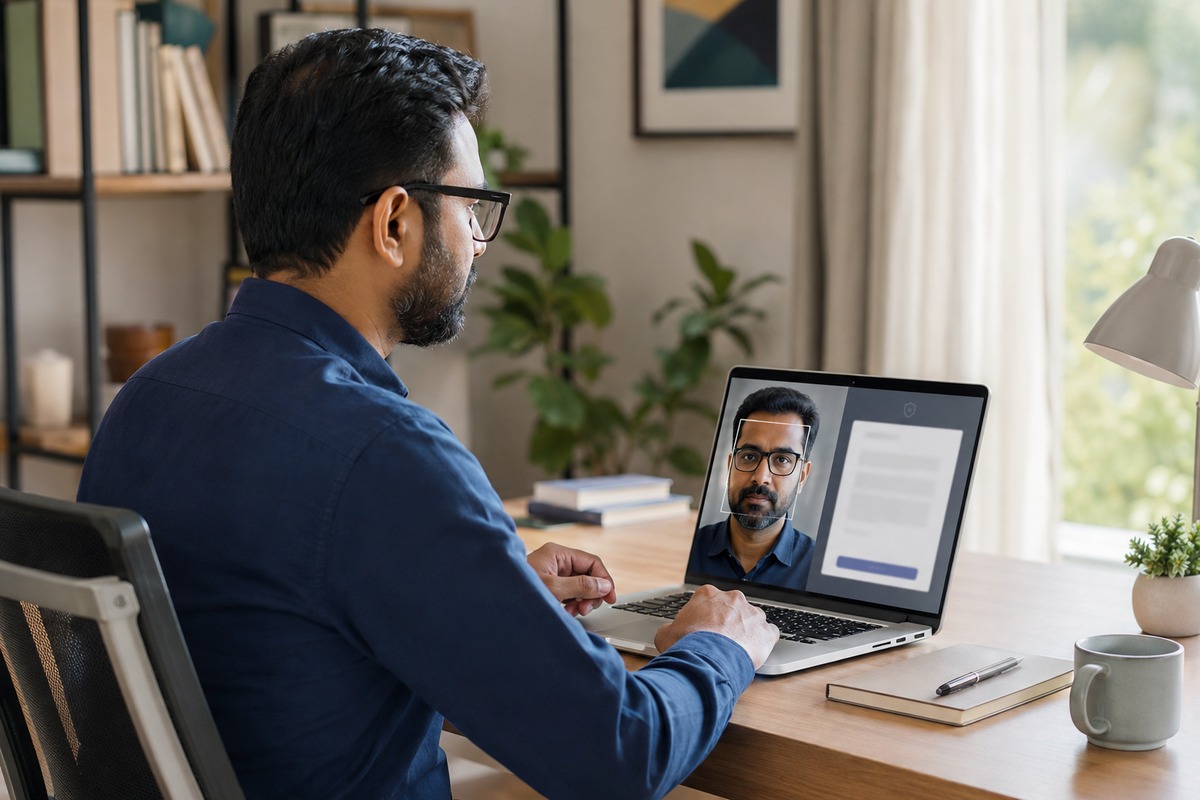
Remote signing removes travel and delays, but it raises a practical question: how can a business gain confidence that the right person is completing the process? Face verification for eSignatures can add an identity check before a signer approves a document. Used carefully, it improves traceability without suggesting that one technology removes every risk. Consent, privacy, accessibility, secure records and human review still matter.
What face verification and an e-signature do
Facial verification and electronic signing perform different jobs. An e-signature captures a person’s intent to approve a document. Facial verification checks whether the person appears to match an approved identity source.
Think of them as two checkpoints. The identity step asks, “Is this likely to be the intended signer?” The signature step asks, “Did this person agree to this document?” Combining them can give a business a clearer record, but neither step should be treated as complete proof on its own.
Where facial verification can add confidence
Extra identity checks can suit transactions with higher financial, legal or operational risk. Examples include high-value contracts, vendor onboarding, sensitive employee agreements and remote customer consent.
Consider a procurement team onboarding a supplier in another city. Email access alone may provide limited assurance about who opened the agreement. A facial verification step, combined with an identity check and a controlled signing link, can give the team more context before it accepts the signed contract.
Not every document needs facial verification. Adding it to a routine acknowledgement may create unnecessary effort and collect more personal data than the process requires. Businesses should match the level of verification to the document’s risk.
A privacy-conscious face verification for eSignatures journey
A responsible workflow should remain simple for the signer.
First, explain why the face check is required, what information the system will process, how it will be used and how long the business will retain it. Ask for clear consent before activating the camera.
Next, guide the signer through the identity check. The system may compare a live image with an approved identity record. Some workflows also ask the signer to make a small movement, such as turning their head, to reduce the chance of someone using a static photograph.
The process must also handle exceptions. Poor lighting, an older camera, a slow connection or a change in appearance can affect the result. Give the signer simple instructions and a reasonable number of retries. When a check remains uncertain, route the case to an authorised reviewer or offer another suitable verification method.
Finally, capture only the evidence the organisation genuinely needs. Protect it with access controls, defined retention periods and secure storage. Teams should not keep face images indefinitely.
Understand the practical limitations
Facial verification can add confidence, but businesses should not describe it as fraud-proof. A false match can accept the wrong person, while a false rejection can block the correct signer. Camera quality, lighting and the reference image all influence performance.
Accessibility also deserves early attention. Some people may find camera positioning, facial movement prompts or device instructions difficult. A fair workflow provides assistance and an alternative route instead of leaving the signer at a dead end.
Connect identity evidence with the audit trail
Identity evidence becomes more useful when it connects with the document’s audit trail. The record can show when the invitation was sent, when the signer gave consent, when verification occurred, whether the check passed or required review, and when the document was viewed and signed.
A shared transaction reference can link these events without displaying sensitive face data inside the signed PDF. This helps legal, compliance and operations teams follow the complete journey later.
A practical implementation checklist
Before introducing facial verification, ask:
- Which documents genuinely require the additional check?
- What notice and consent will signers receive?
- What information will be collected, who can access it and when will it be deleted?
- What happens when the technology cannot reach a reliable result?
- Which accessible alternatives and support options are available?
- How will verification events connect with the final audit trail?
- Who will review performance, complaints and exceptions?
Build trust through proportionate verification
Remote signing works best when security and convenience support each other. Facial verification can strengthen selected workflows when teams apply it to higher-risk documents and connect the result with a complete audit trail. Clear consent, limited data collection, accessible alternatives and human review turn the feature into a more trustworthy process.
For organisations evaluating remote signing, SignuluOne can support a structured conversation about identity checks, signing controls and traceable evidence. Confirm the exact workflow, privacy requirements and document-specific obligations with your legal and data-protection advisers before deployment.